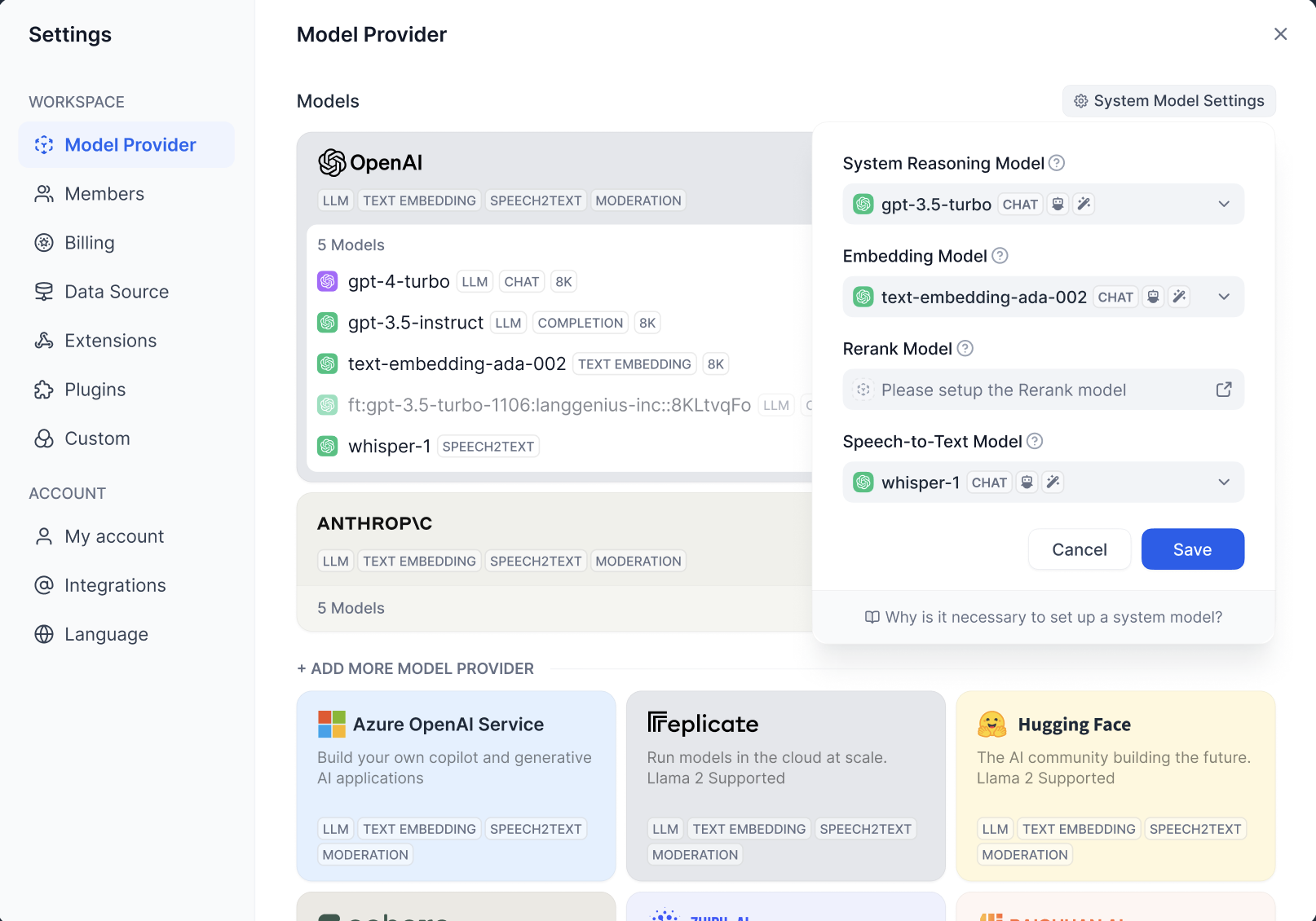
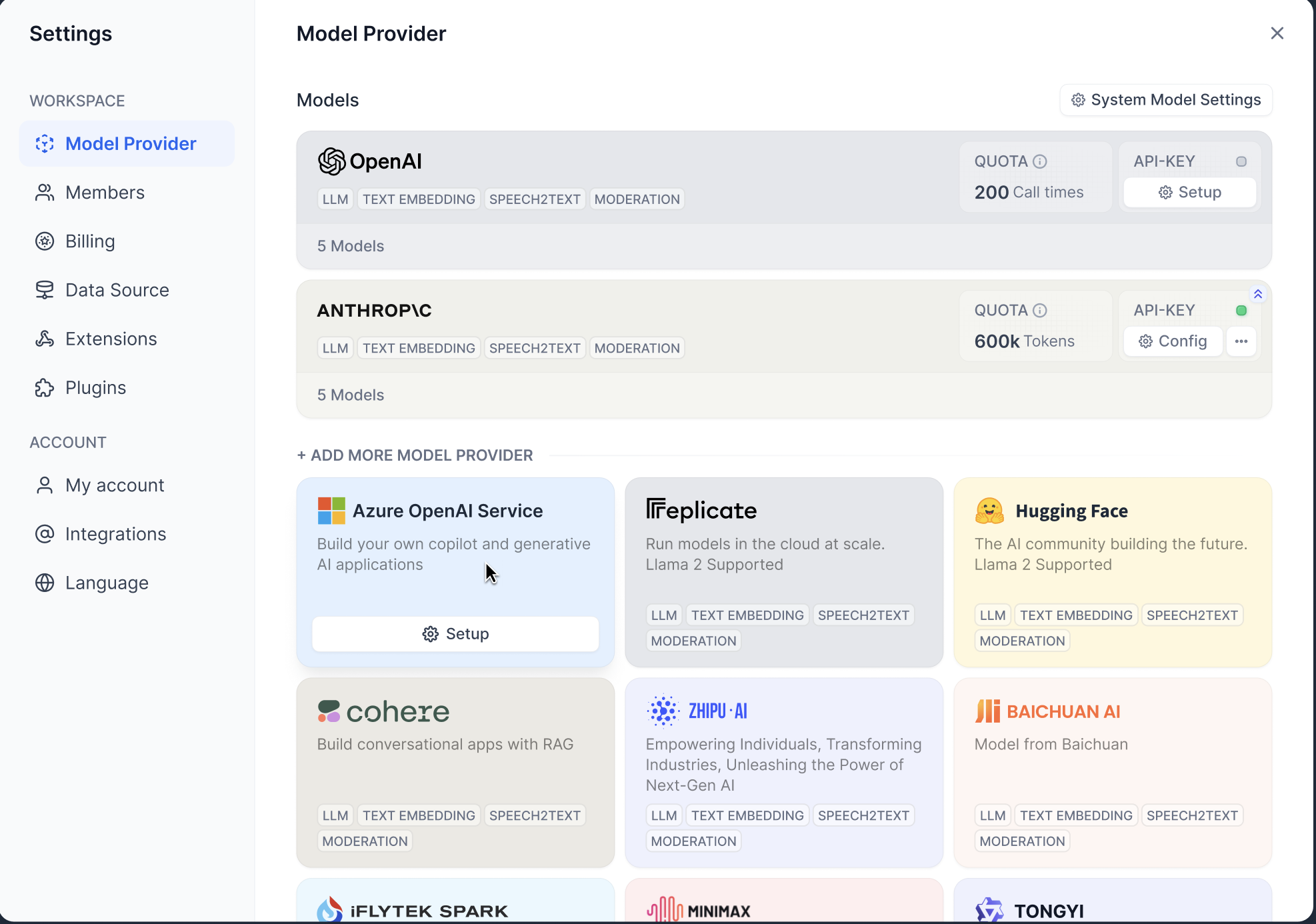
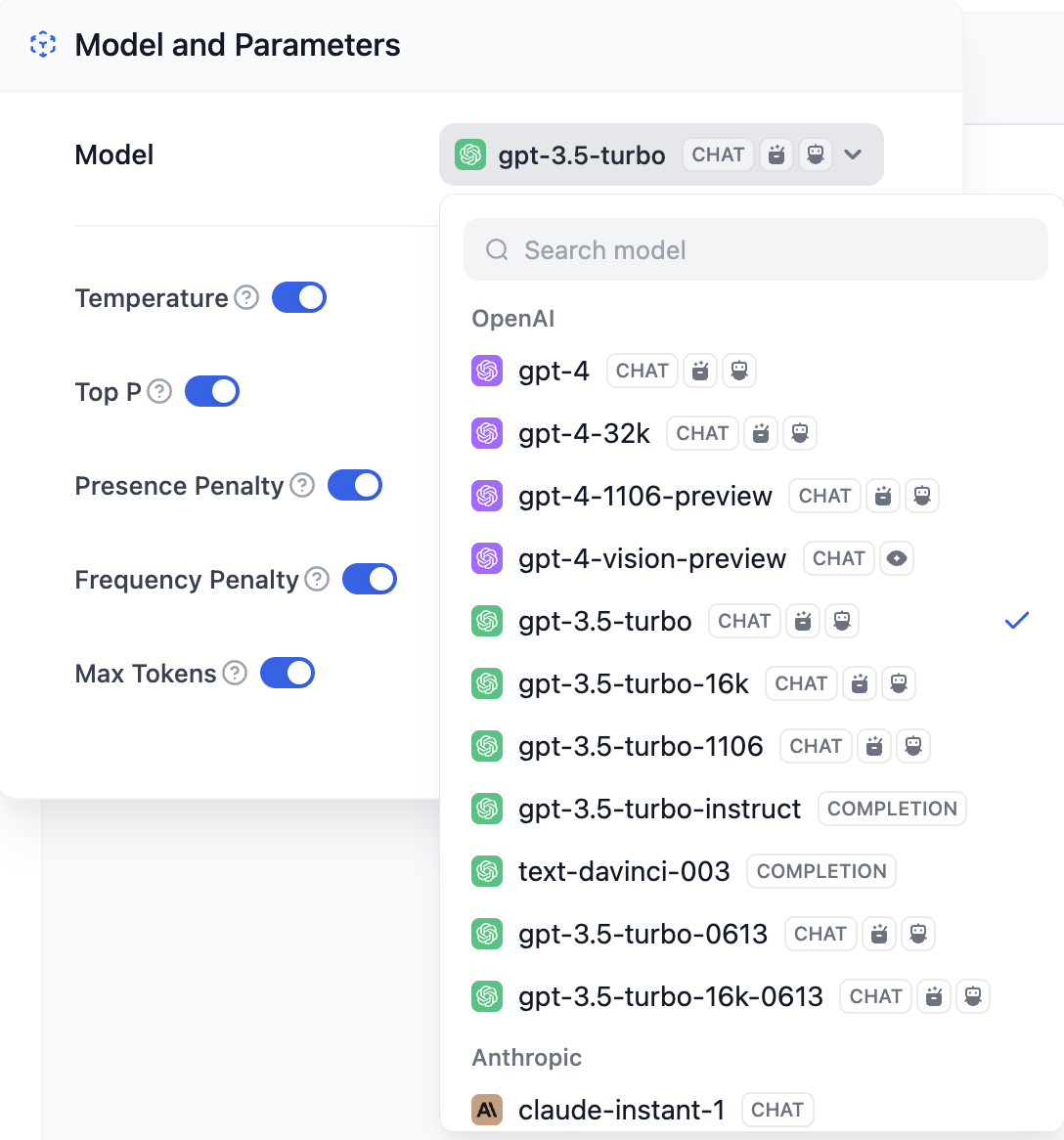
Dify is a development platform for AI application based on LLM Apps, when you are using Dify for the first time, you need to go to Settings —> Model Providers to add and configure the LLM you are going to use.
Dify supports major model providers like OpenAI’s GPT series and Anthropic’s Claude series. Each model’s capabilities and parameters differ, so select a model provider that suits your application’s needs. Obtain the API key from the model provider’s official website before using it in Dify.
Dify offers trial quotas for cloud service users to experiment with different models. Set up your model provider before the trial ends to ensure uninterrupted application use.
OpenAI Hosted Model Trial: Includes 200 invocations for models like GPT3.5-turbo, GPT3.5-turbo-16k, text-davinci-003 models.
Choose your model in Dify’s Settings > Model Provider.
Model providers fall into two categories:
Proprietary Models: Developed by providers such as OpenAI and Anthropic.
Hosted Models: Offer third-party models, like Hugging Face and Replicate.
Integration methods differ between these categories.Proprietary Model Providers: Dify connects to all models from an integrated provider. Set the provider’s API key in Dify to integrate.
Dify uses PKCS1_OAEP encryption to protect your API keys. Each user (tenant) has a unique key pair for encryption, ensuring your API keys remain confidential.
Hosted Model Providers: Integrate third-party models individually.Specific integration methods are not detailed here.